

Meta's New Lead Verification Tools: SMS and Work Email Verification Explained
- November 21, 2026
- Uncategorized
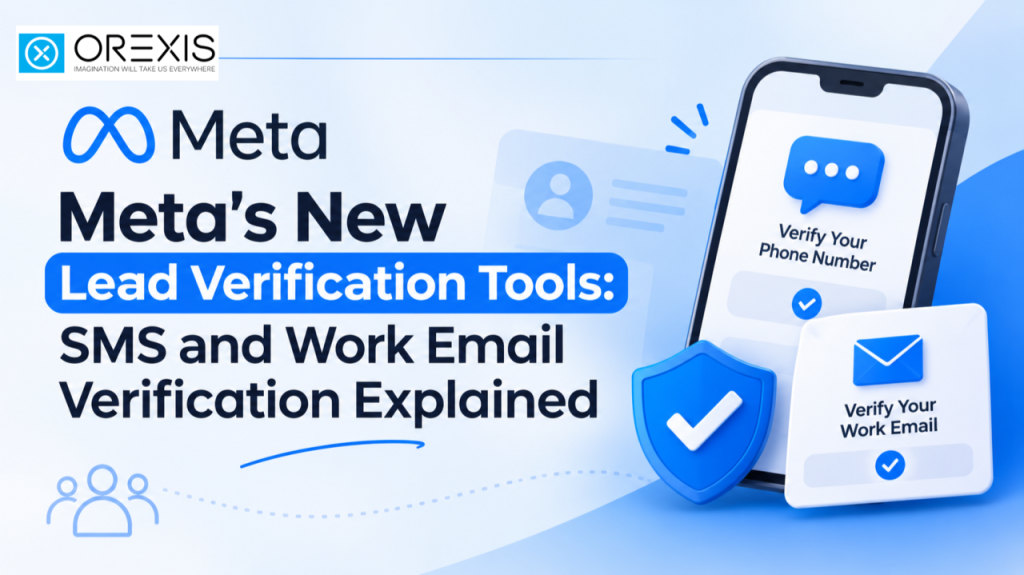
Generating leads through Meta Ads is easy, but getting genuine and qualified leads can be challenging. Many advertisers face issues such as fake phone numbers, incorrect contact details, spam submissions, and low-quality enquiries.
To address these challenges, Meta has introduced additional lead verification tools for Lead Generation campaigns. These include SMS Phone Number Verification and Work Email Verification, designed to help businesses improve lead quality and collect more reliable customer information.
Let's explore how these new features work and how advertisers can use them effectively.
What Are Meta's New Lead Verification Tools?
Meta's lead verification tools add an extra layer of validation to Instant Forms. Instead of simply collecting the contact information entered by users, advertisers can require people to verify their phone numbers or provide valid business email addresses before submitting a form.
These features are particularly useful for businesses that depend on genuine enquiries, such as real estate companies, educational institutions, financial services, and B2B businesses.
The two main verification options are:
- SMS Phone Number Verification
- Work Email Verification
1. SMS Phone Number Verification
One of the common problems with Meta Lead Ads is receiving enquiries with incorrect or unreachable phone numbers.
SMS Verification helps address this issue by requiring users to confirm their phone numbers using a One-Time Password (OTP).
How Does SMS Verification Work?
The process is simple:
- A user clicks on your Meta advertisement.
- An Instant Form opens with the required contact details.
- The user enters their phone number.
- Meta sends a one-time verification code to the provided number.
- The user enters the OTP to complete verification.
- Once successfully verified, the lead submission is completed.
This additional step helps advertisers filter out submissions with unverified phone numbers.
Benefits of SMS Verification
- Helps reduce fake phone number submissions.
- Improves the reliability of contact information.
- Makes it easier for sales teams to contact potential customers.
- Helps reduce spam and invalid enquiries.
- Supports better lead management and follow-up.
2. Work Email Verification
For businesses running B2B campaigns, collecting professional contact information is often more valuable than receiving personal email addresses.
Meta's Work Email Verification feature allows advertisers to require users to provide a valid corporate email address before submitting an Instant Form.
For example, if someone enters a personal Gmail, Yahoo, or similar free email address, they may not be able to complete the form when this verification requirement is enabled.
How Does Work Email Verification Work?
- A user clicks on your advertisement.
- An Instant Form opens.
- The user enters their professional email address.
- Meta checks whether the email meets the work email requirement.
- If the email is accepted, the user can proceed with the form submission.
This feature helps businesses collect professional contact details and improve the quality of B2B enquiries.
Benefits of Work Email Verification
- Encourages professional email submissions.
- Helps filter out personal email addresses.
- Supports B2B lead generation campaigns.
- Makes business follow-ups more organised.
- Helps sales teams connect with relevant business prospects.
Important: Work email verification checks whether an email meets the business email requirement. It should not be treated as proof that the person is a genuine buyer or decision-maker.
SMS Verification vs Work Email Verification
Both features improve lead information quality, but they serve different marketing objectives.
| Feature | SMS Verification | Work Email Verification |
|---|---|---|
| Main purpose | Phone number validation | Business email validation |
| Verification method | One-time password | Email eligibility check |
| Best suited for | B2C and service businesses | B2B businesses |
| Main benefit | More reliable phone contacts | Professional email collection |
How to Enable Lead Verification in Meta Ads Manager
Advertisers can configure these verification options while creating or editing eligible Instant Forms through Meta Ads Manager.
For SMS Verification
- Open Meta Ads Manager.
- Create a campaign with the Leads objective.
- Select Instant Forms as the conversion location.
- Create a new Instant Form.
- Add Phone Number as a required contact field.
- Select the Higher Intent form type if using the verification option available within that form.
- Look for the option to require leads to verify their phone number using a one-time passcode.
- Enable the verification option.
- Review and publish your form.
Depending on your account interface, SMS verification may also appear under Quality Filters or the Destination section.
For Work Email Verification
- Open Meta Ads Manager.
- Create or edit a Leads campaign.
- Select Instant Forms.
- Add Work Email as a required contact field.
- Look for the Require Work Email option in the available quality settings.
- Enable the option if available.
- Review your form and publish the campaign.
Note: Feature availability and exact settings can vary depending on the advertising account, campaign setup, and Meta's rollout. Always check the options available in your Ads Manager.
Does Lead Verification Affect Cost Per Lead?
Yes, enabling verification can influence your campaign performance.
When users have to complete an additional verification step, some may leave the form without submitting it. As a result, your total lead volume may decrease.
However, the goal should not always be to generate the highest number of leads at the lowest cost.
Instead, advertisers should focus on generating genuine enquiries that have a higher chance of converting into customers.
For example, receiving 20 verified enquiries may be more valuable than receiving 50 enquiries with incorrect phone numbers or irrelevant contact details.
Your actual results will depend on your audience, industry, offer, campaign objective, and follow-up process.
Best Practices for Better Lead Generation
To get better results from Meta Lead Ads, consider these practices:
- Choose the right verification method based on your target audience.
- Use SMS verification when phone contact is essential.
- Use Work Email Verification for relevant B2B campaigns.
- Keep your Instant Forms simple and easy to complete.
- Ask relevant qualifying questions to understand customer requirements.
- Monitor lead quality instead of focusing only on cost per lead.
- Follow up with new leads as quickly as possible.
- Compare campaign performance with and without verification.
Conclusion
Meta's SMS and Work Email Verification tools offer advertisers additional ways to improve the quality of leads generated through Instant Forms.
Whether you are running a real estate campaign, an educational admission campaign, or a B2B lead generation campaign, choosing the right verification method can help improve contact reliability and make lead management more effective.
About us
Orexis is one of the leading Digital marketing companies in Kozhikode, Kerala, that delivers Complete digital Marketing services like Social media promotions, SEO, PPC, Branding, etc. to their clients. Cost-effective online advertising services and customer satisfaction are our mottoes.
Subscribe to our newsletter!




Recent Posts
- Meta's New Lead Verification Tools: SMS and Work Email Verification Explained November 21, 2026
- How Storytelling Helps Businesses Build Customer Trust November 10, 2026
- ChatGPT Ads Expand to 89 Countries: What This Means for Digital Marketing October 29, 2026
 Reach us on WhatsApp